
Respond in thread context.
Reply to a Slack message and Terse will answer using the conversation around it.
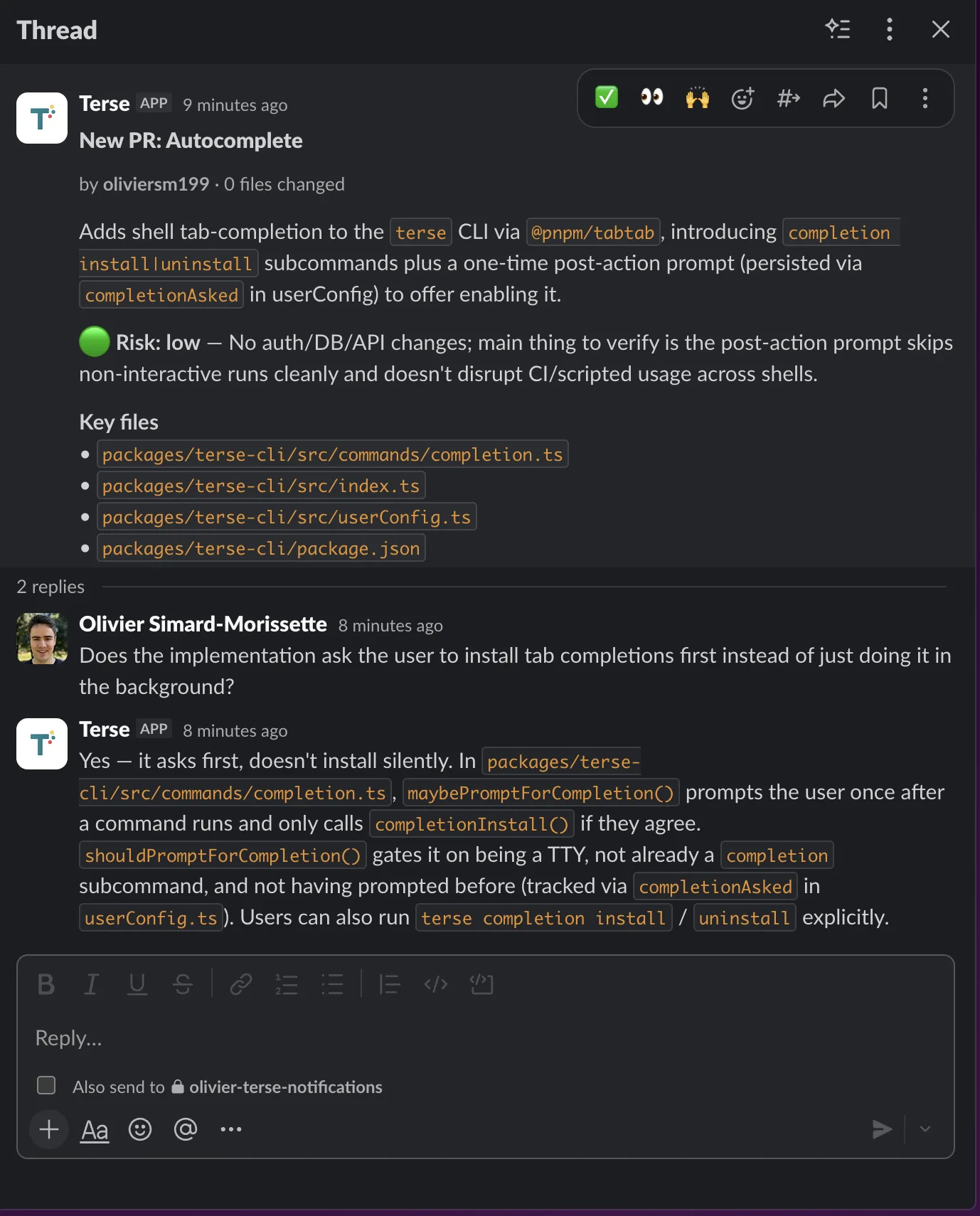
 Terse for Slack
Connect Terse to Slack to trigger workflows from messages, draft replies inside threads, and summarize what got said while you were in a meeting.
Connect
The Slack install lives inside the Terse app. Sign in, head to Integrations, and connect your workspace in a few clicks.
Open app.useterse.ai and sign in with your work account.
Open Integrations from the dashboard and locate the Slack entry.
Fill out the prompts and approve oauth to link your workspace.
See it in action
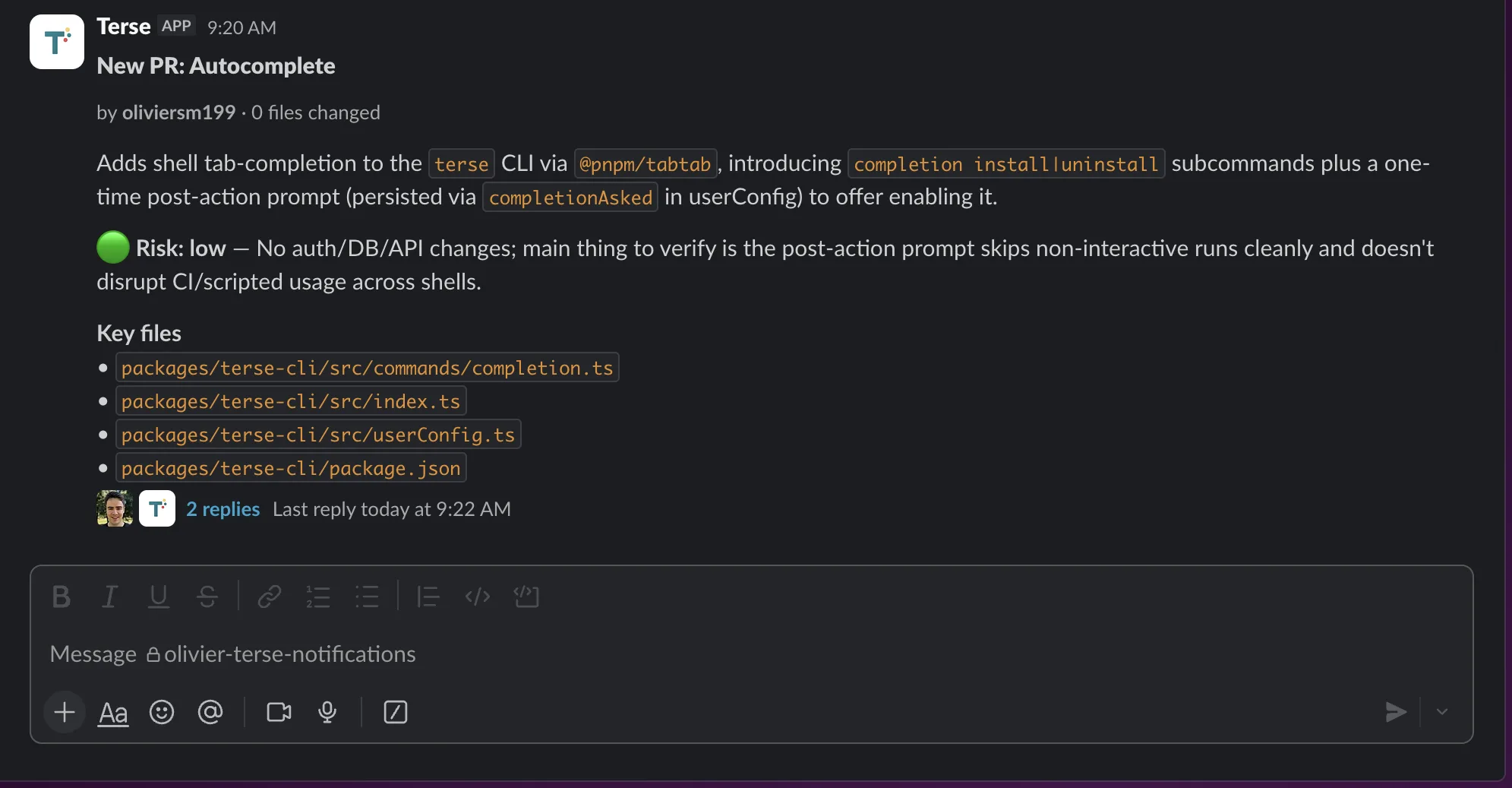
Reply to a Slack message and Terse will answer using the conversation around it.
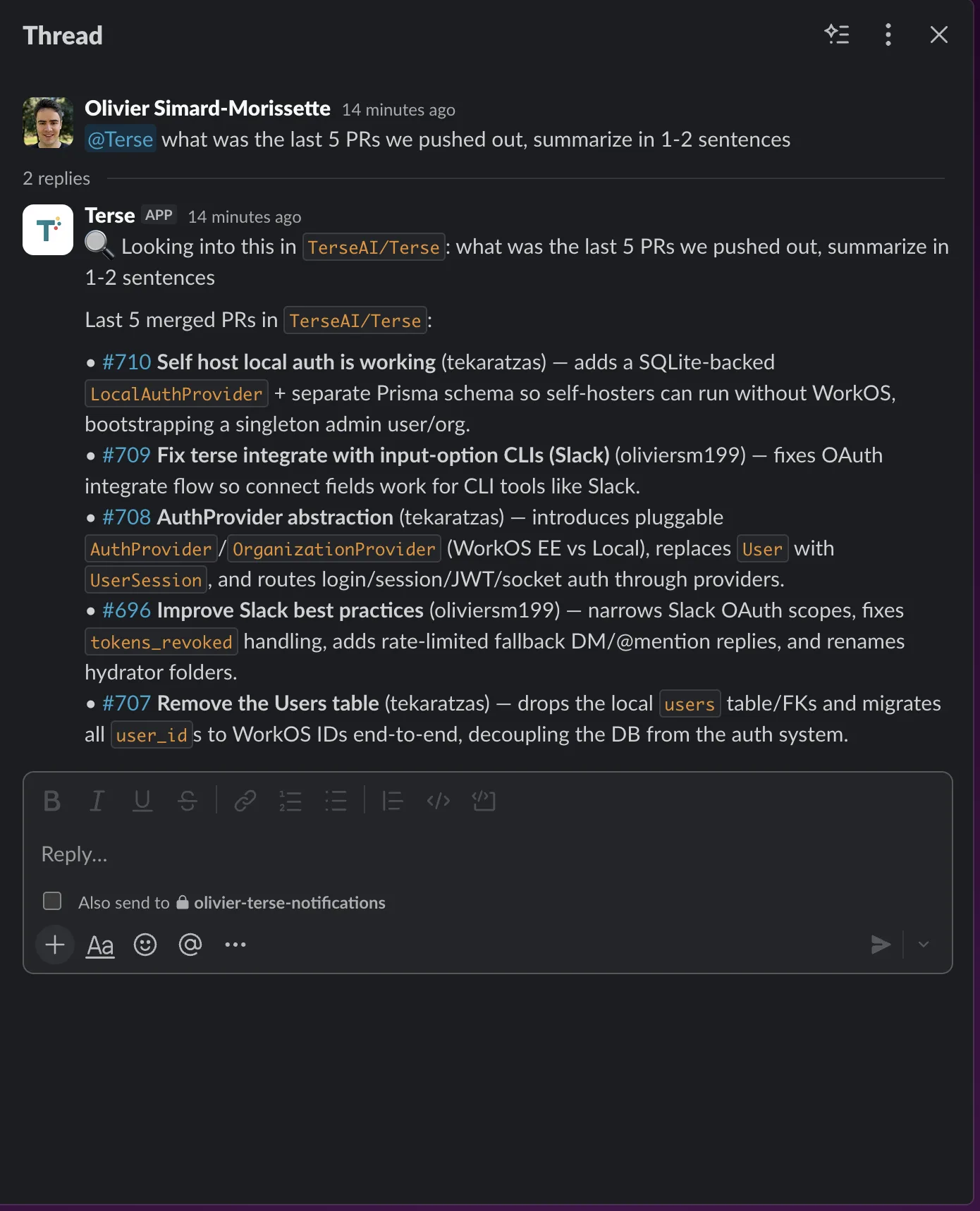
Use an app mention when you want Terse to respond in the channel.
Privacy
Terse only reads channels you explicitly select. Message content is retained for 30 days to power workflow context, and all Slack data is deleted within 30 business days of uninstall. LLM providers are configured for zero-retention and zero-training on Slack content.